Installation and Uninstallation Guide
Environment Requirements
- Operating system: openEuler 25.03
- The desktop system has been installed and can be accessed.
Installation
Roo Code has been introduced to openEuler and can be installed using DNF.
bash
sudo dnf clean all
sudo dnf makecache
sudo dnf install roo-code
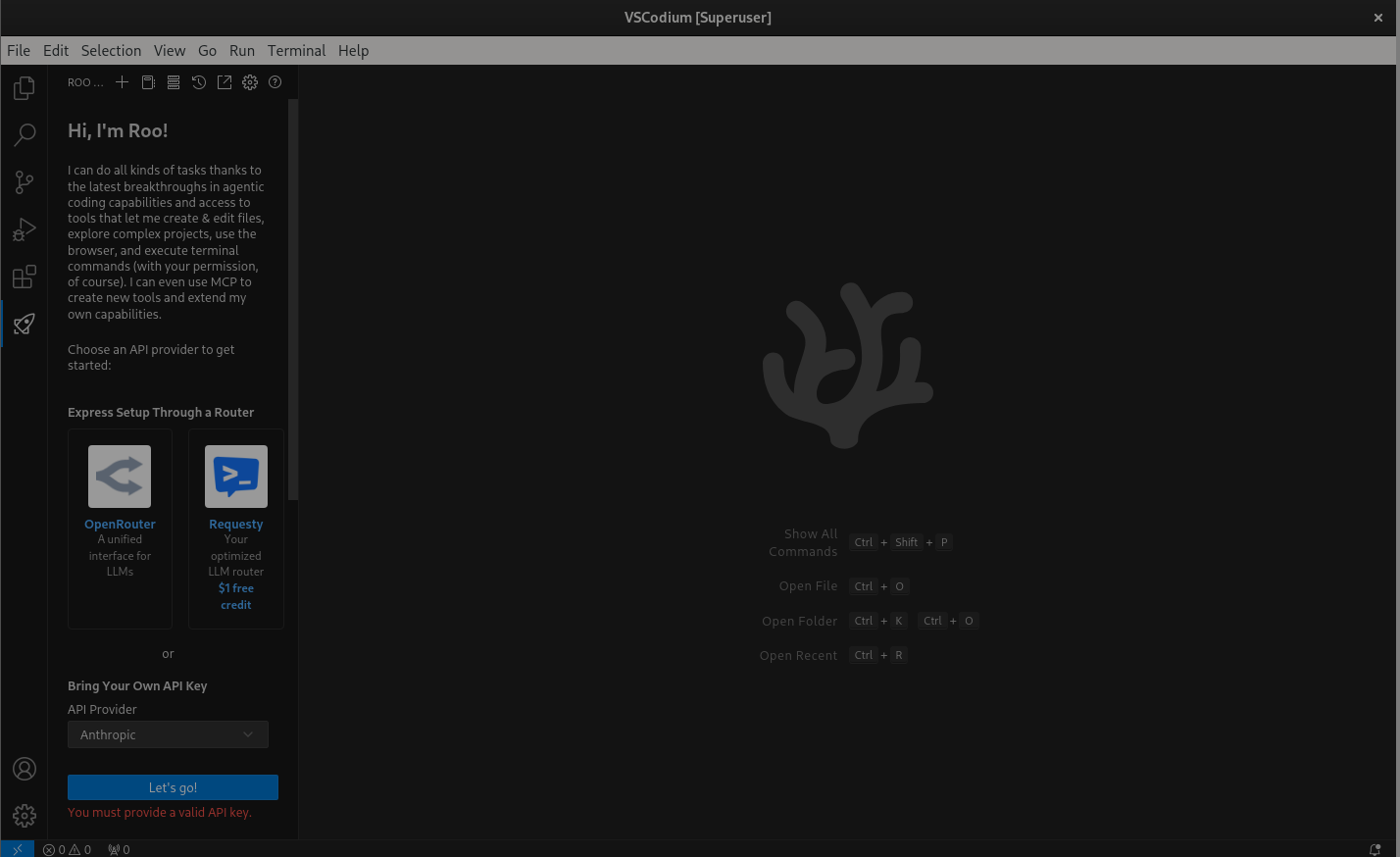
After the installation is complete, open the VSCodium again and click the Roo Code icon on the sidebar.
Uninstallation
bash
sudo dnf remove roo-codeLicensed under the MulanPSL2
Copyright © 2026 openEuler. All rights reserved.J. ICP B. No. 2020036654-1 J.G.W.A.B. No. 11030102011597
J.G.W.A.B. No. 11030102011597Licensed underthe MulanPSL2
Copyright © 2026 openEuler. All rights reserved.