Information Collection
Querying OS Information
Query the OS version by running either of the following commands.
cat /etc/openEuler-latest
Output:textopeneulerversion=openEuler-22.03-LTS-SP4 compiletime=2022-12-27-22-15-04 gccversion=10.3.1-20 kernelversion=5.10.0-136.12.0.86.oe2203SP3 openjdkversion=1.8.0.352.b08-3.oe2203SP3cat /etc/os-release
Output:textNAME="openEuler" VERSION="22.03 (LTS-SP4)" ID="openEuler" VERSION_ID="22.03" PRETTY_NAME="openEuler 22.03 (LTS-SP4)" ANSI_COLOR="0;31"cat /etc/openEuler-release
Output:textopenEuler release 22.03 (LTS-SP4)
Query the kernel version.
shelluname -aOutput:
textLinux localhost 5.10.0-136.12.0.86.oe2203SP3.x86_64 #1 SMP Tue Dec 27 17:50:15 CST 2022 x86_64 x86_64 x86_64 GNU/Linux
Querying Hardware Information
Query CPU statistics.
shelllscpu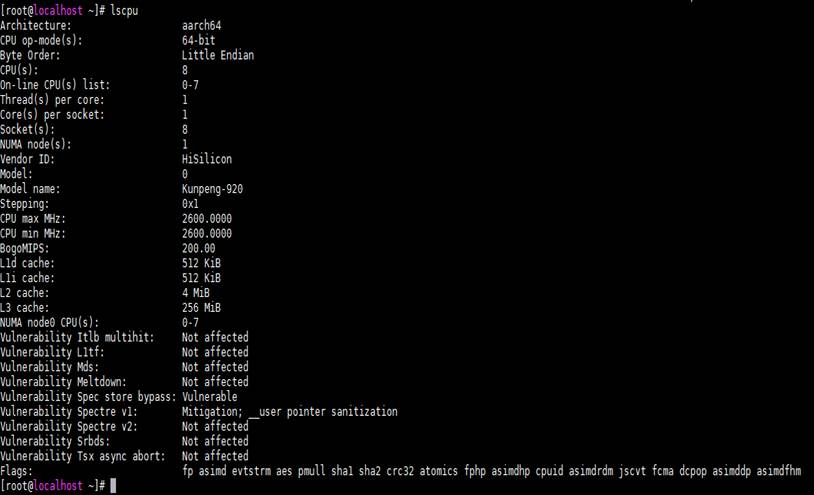
View CPU parameters.
shellcat /proc/cpuinfo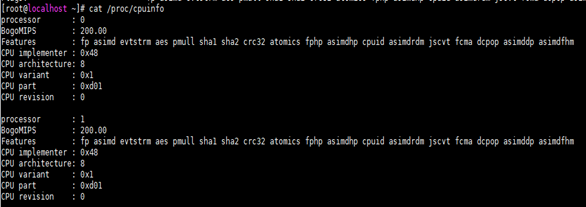
View system memory information.
shellcat /proc/meminfo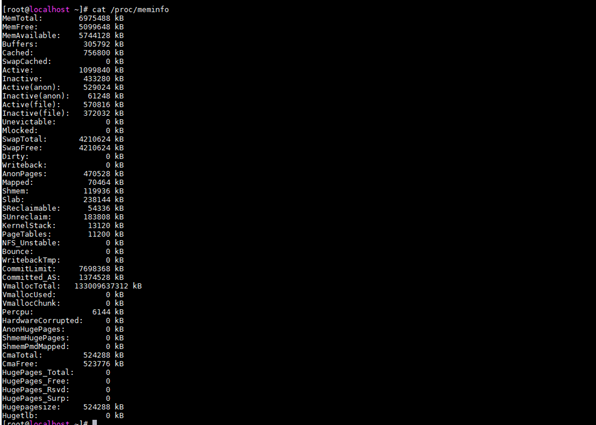
View memory information.
shelldmidecode -t memory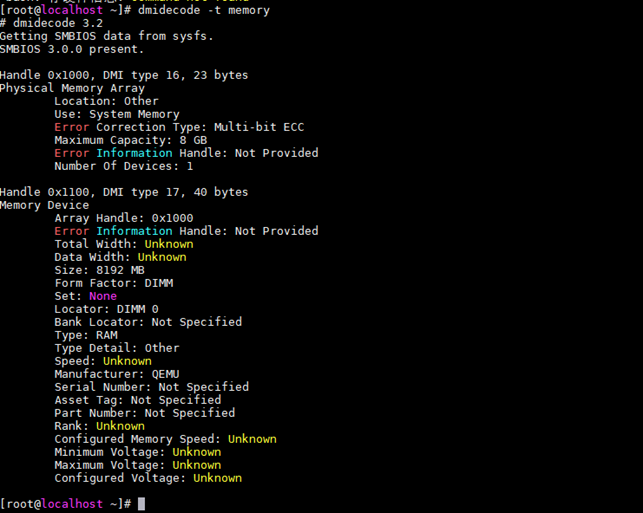
View hard drive and partition distribution.
shelllsblk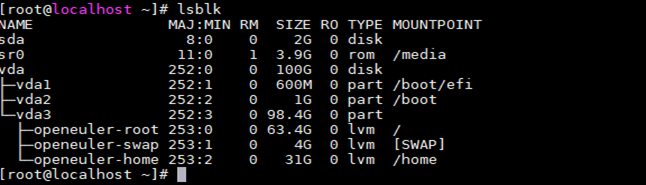
View details about hard drives and partitions.
shellfdisk -l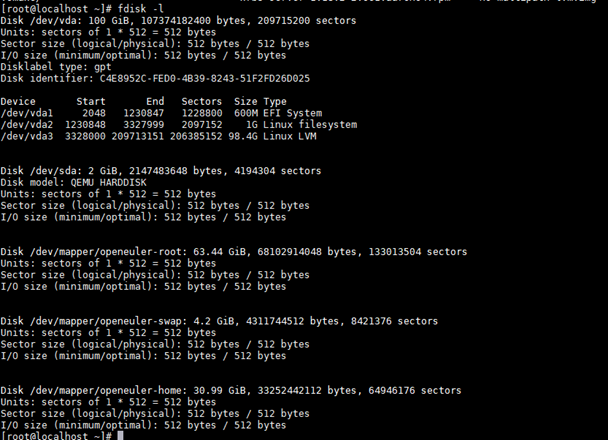
View NIC information.
shelllspci | grep -i 'eth'
View all network interfaces.
shellip a or ifconfig -a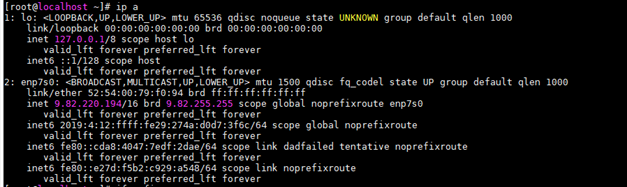
View details about a network interface.
shellethtool enp7s0 (enp7s0 is used as an example.)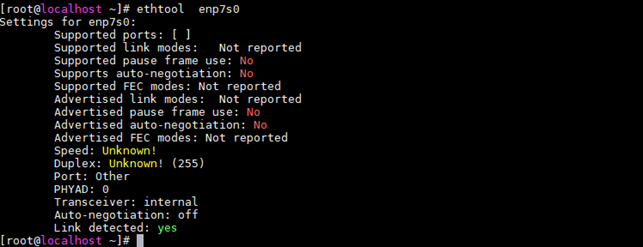
View PCI information.
shelllspci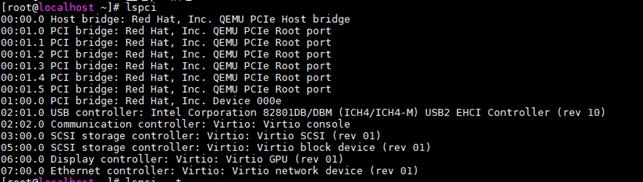
View the device tree.
shelllspci -t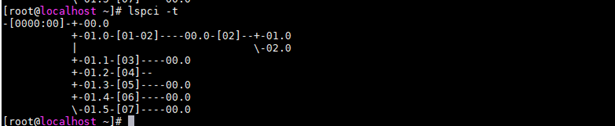
View BIOS information.
shelldmidecode -t bios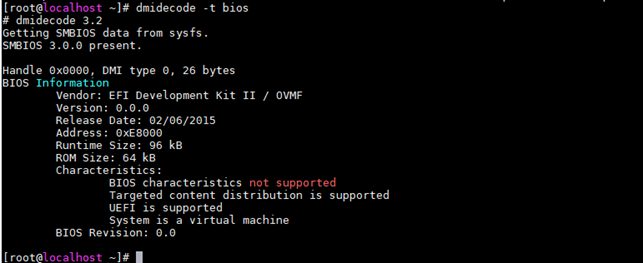
Querying Software Information
Query details about a software package.
shellrpm -qi (systemd is used as an example.)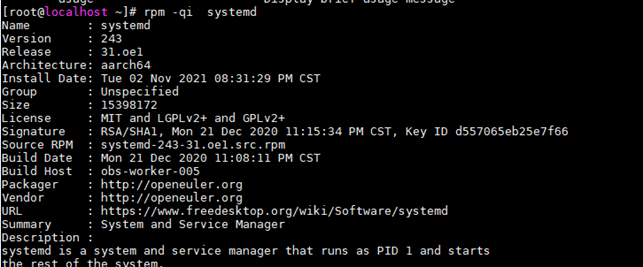
View the modules provided by a software package.
shellrpm -q --provides # (systemd is used as an example.)text/bin/systemctl /sbin/shutdown config(systemd) = 249-43.oe2203SP3 libsystemd-shared-249.so()(64bit) libsystemd-shared-249.so(SD_SHARED)(64bit) pkgconfig(systemd) = 249 pkgconfig(udev) = 249 syslog system-setup-keyboard = 0.9 systemd = 249-43.oe2203SP3 systemd(x86-64) = 249-43.oe2203SP3 systemd-rpm-config systemd-sysv = 206 systemd-units = 249-43.oe2203SP3View all installed software packages.
shellrpm -qa # (systemd is used as an example.)textsystemd-help-249-43.oe2203SP3.noarch systemd-libs-249-43.oe2203SP3.x86_64 systemd-249-43.oe2203SP3.x86_64 systemd-udev-249-43.oe2203SP3.x86_64View the list of software packages.
shellrpm -ql # (python3-rpm is used as an example.)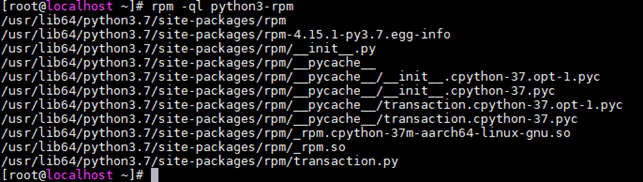
Viewing OS Logs
View the information and error logs after the system is started.
shellcat /var/log/messages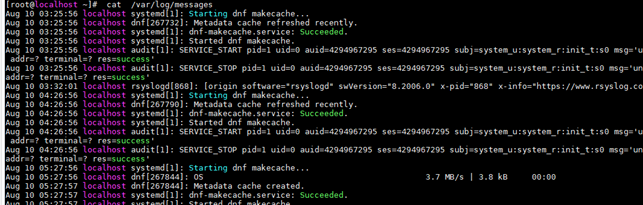
View the security-related logs.
shellcat /var/log/secure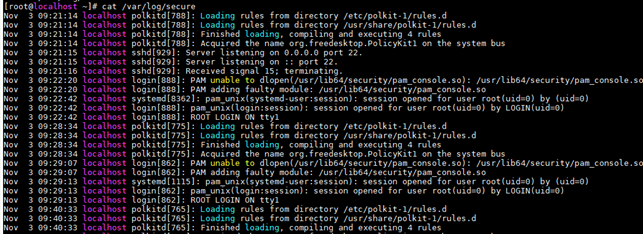
View the email-related logs.
shellcat /var/log/maillog
View the logs related to scheduled tasks.
shellcat /var/log/cron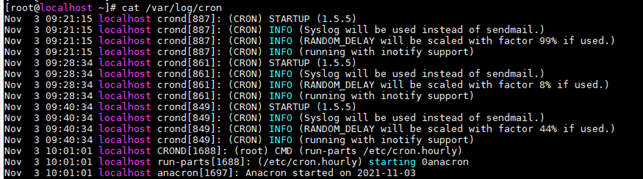
View the logs related to UUCP and news devices.
shellcat /var/log/spooler
View system startup logs.
shellcat /var/log/boot.log
版权所有 © 2026 openEuler 保留一切权利
京ICP备2020036654号-1
京公网安备 11030102011597 号