i3 in openEuler User Guide
What Is i3?
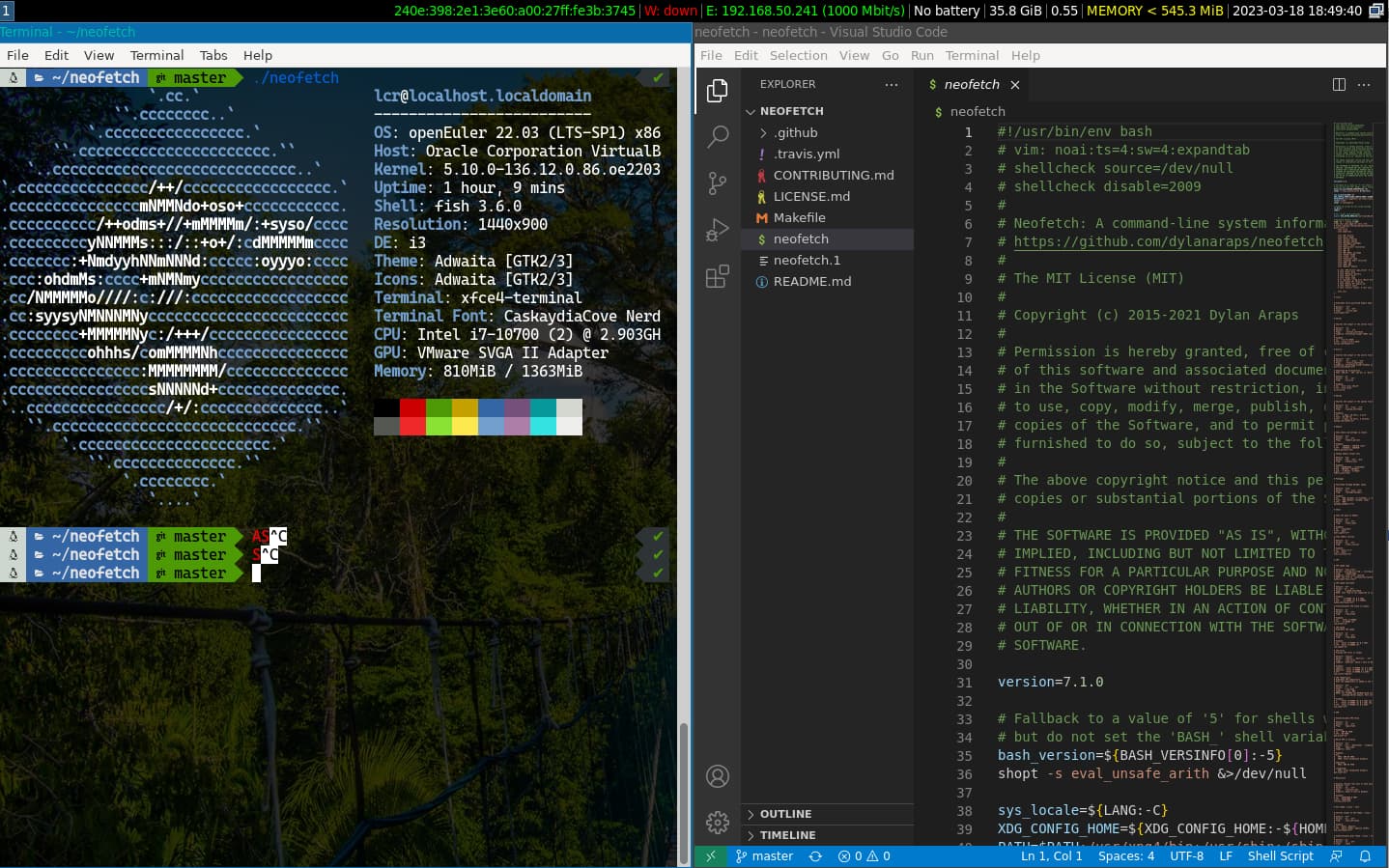
i3 is a tiling window manager.
The interface of i3 is as follows:
Usage
i3 is based on the X Window protocol. Therefore, you need to install X Server first.
bashdnf in xorg-x11-serverAs i3 is only a window manager, it does not contain the components required in a complete Linux desktop environment. You need to install some basic components.
bashdnf in xorg-x11-drv-* lightdm lightdm-gtkInstall i3 components.
bashdnf in i3 i3status i3blocks i3lock i3blocks-contrib \ xfce4-terminal xcompmgr acpi dmenuStart lightdm after the installation is complete.
bashsudo systemctl start lightdm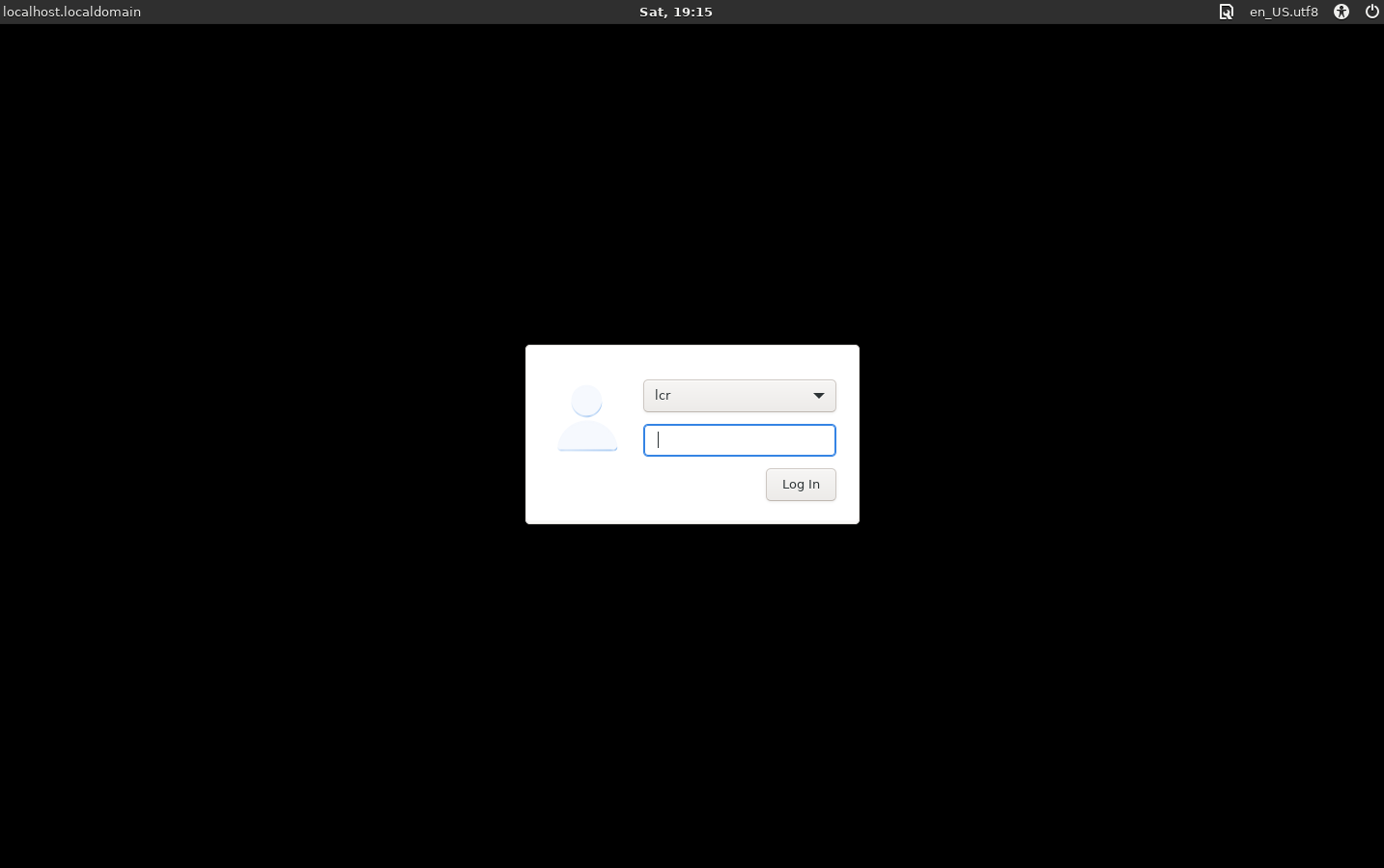
After the session manager is displayed, enter the user name and password to log in to the i3 desktop.
Basic Operations in i3
(Mod is usually mapped to the Windows key on a Windows-compatible keyboard.)
- Mod+d: Open dmenu for quickly starting processes.
- Mod+Enter: Open a terminal.
- Mod+↑/↓/←/→: Move focus between windows.
- Mod+Shift+q: Close the window of focus.
- Mod+Shift+r: Hot load the configuration file.
- Mod+Shift+e: Exit i3.
- Mod+Shift+l: Lock the screen.
For more operation guides, see i3 Documentation.
版权所有 © 2026 openEuler 保留一切权利
京ICP备2020036654号-1
京公网安备 11030102011597 号
Bug