Installation and Deployment
Software
- OS: openEuler 22.03 LTS SP4
Hardware
- x86_64
Preparing the Environment
- Install the openEuler OS by referring to the openEuler 22.03 LTS SP4 Installation Guide.
1. ROS2
1. ros-humble
1. Installing ros-humble
Install ros-humble software package
shellyum install openeuler-ros yum install ros-humble-ros-base ros-humble-xxx e.g. ros-humble-turtlesimRun the following command to check whether the installation is successful
shellrpm -q ros-humble
2. Test ros-humble
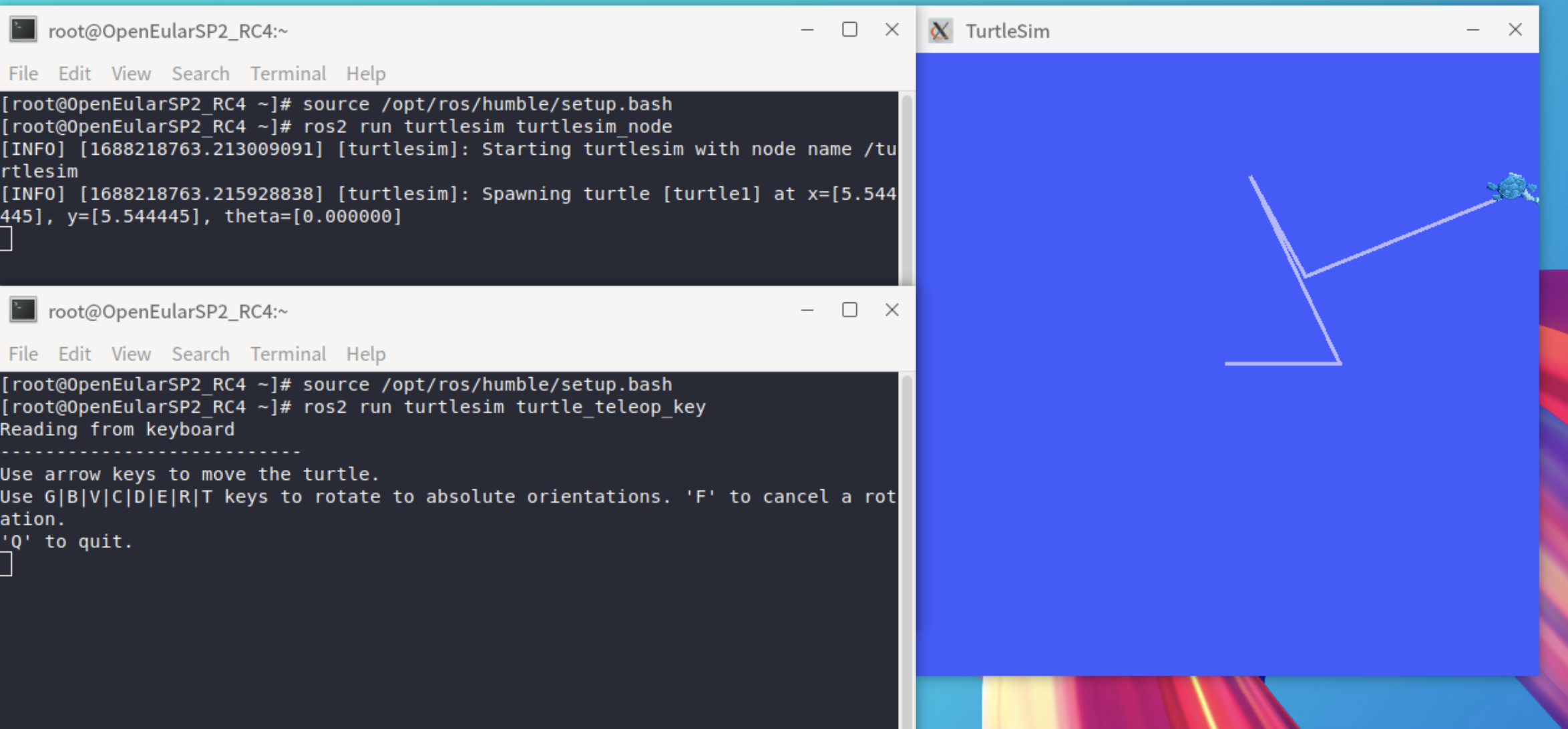
Run turtlesim
Run turtlesim
shellsource /opt/ros/humble/setup.bash ros2 run turtlesim turtlesim_nodeOpen turtlesim terminal
shellsource /opt/ros/humble/setup.bash ros2 run turtlesim turtle_teleop_keyUse the arrow keys to control the movement of the turtle
2. ros-foxy
1. Installing ros-foxy-ros-base
Download the software package
shellwget http://121.36.3.168:82/home:/Chenjy3_22.03/openEuler_22.03_LTS_standard_x86_64/x86_64/ros-foxy-ros-base-0.9.2-2.oe2203.x86_64.rpmInstall the rpm package
shellrpm -ivh --nodeps --force ros-foxy-ros-base-0.9.2-2.oe2203.x86_64.rpmDependence installation
shellsh /opt/ros/foxy/install_dependence.shRun the following command to check whether the installation is successful
shellrpm -q ros-foxy-ros-base
2. Test ros-foxy-ros-base
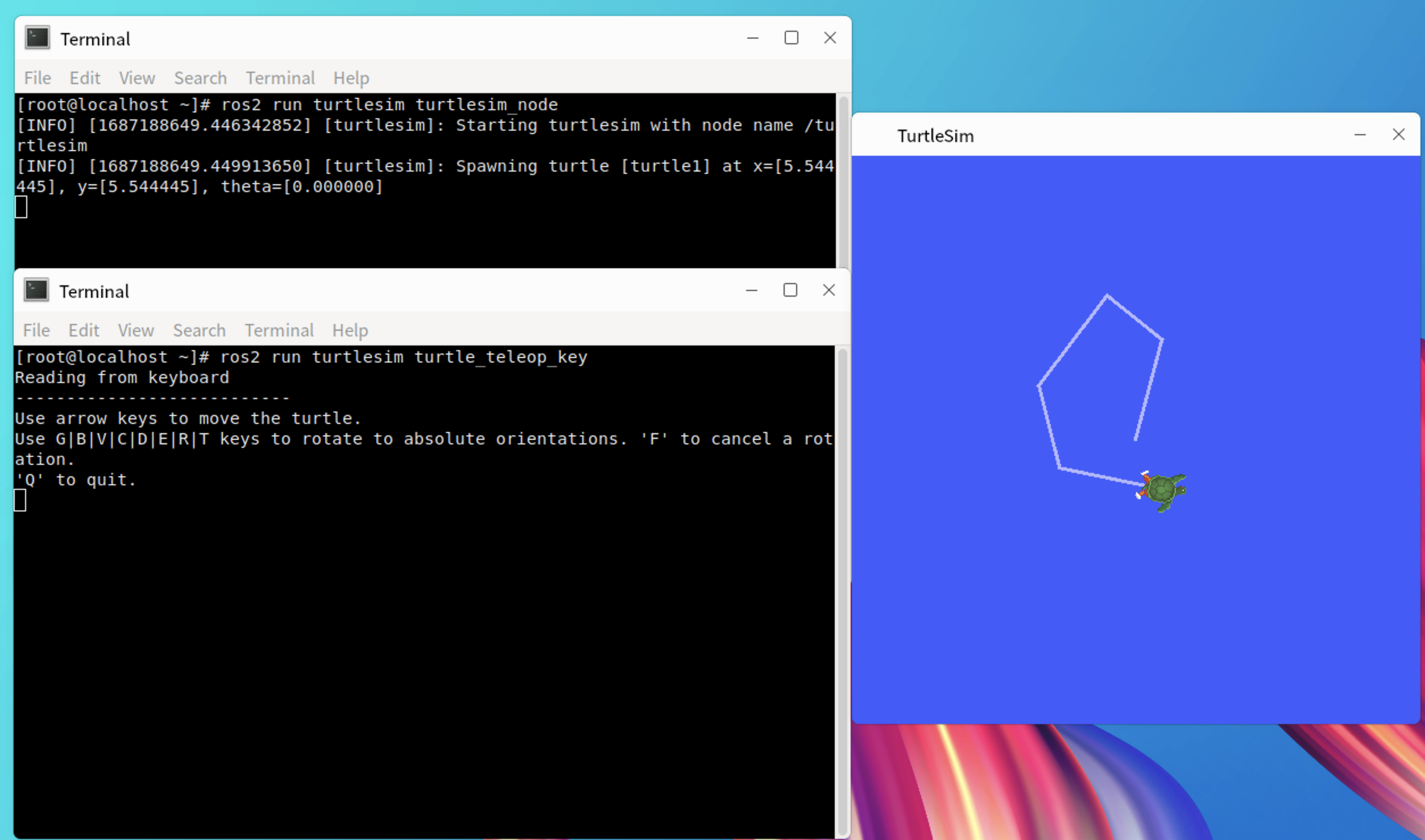
Run turtlesim
Run turtlesim
shellsource /opt/ros/foxy/setup.bash ros2 run turtlesim turtlesim_nodeOpen turtlesim terminal
shellsource /opt/ros/foxy/setup.bash ros2 run turtlesim turtle_teleop_keyUse the arrow keys to control the movement of the turtle
2. ROS
1. ros-noetic
1. Installing ros-noetic-ros-comm
Download the software package
shellwget http://121.36.3.168:82/home:/davidhan:/branches:/openEuler:/22.03:/LTS:/SP1:/Epol/standard_x86_64/x86_64/ros-noetic-ros-comm-1.15.11-2.oe2203.x86_64.rpmInstall the rpm package
shellrpm -ivh --nodeps --force ros-noetic-ros-comm-1.15.11-2.oe2203.x86_64.rpmDependence installation
shellsh /opt/ros/noetic/install_dependence.shRun the following command to check whether the installation is successful
shellrpm -q ros-noetic-ros-comm
2. Test ros-noetic-ros-comm
Run topic_demo
Create and compile workspace
shellmkdir -p catkin_ws/src cd catkin_ws/src/ source /opt/ros/noetic/setup.bash catkin_init_workspace git clone https://gitee.com/davidhan008/topic_demo.git cd .. catkin_makerun roscore
shellsource /opt/ros/noetic/setup.bash roscorerun topic_demo talker
shellsource /opt/ros/noetic/setup.bash cd catkin_ws source devel/setup.bash rosrun topic_demo talkerrun topic_demo listener
shellsource /opt/ros/noetic/setup.bash cd catkin_ws source devel/setup.bash rosrun topic_demo listener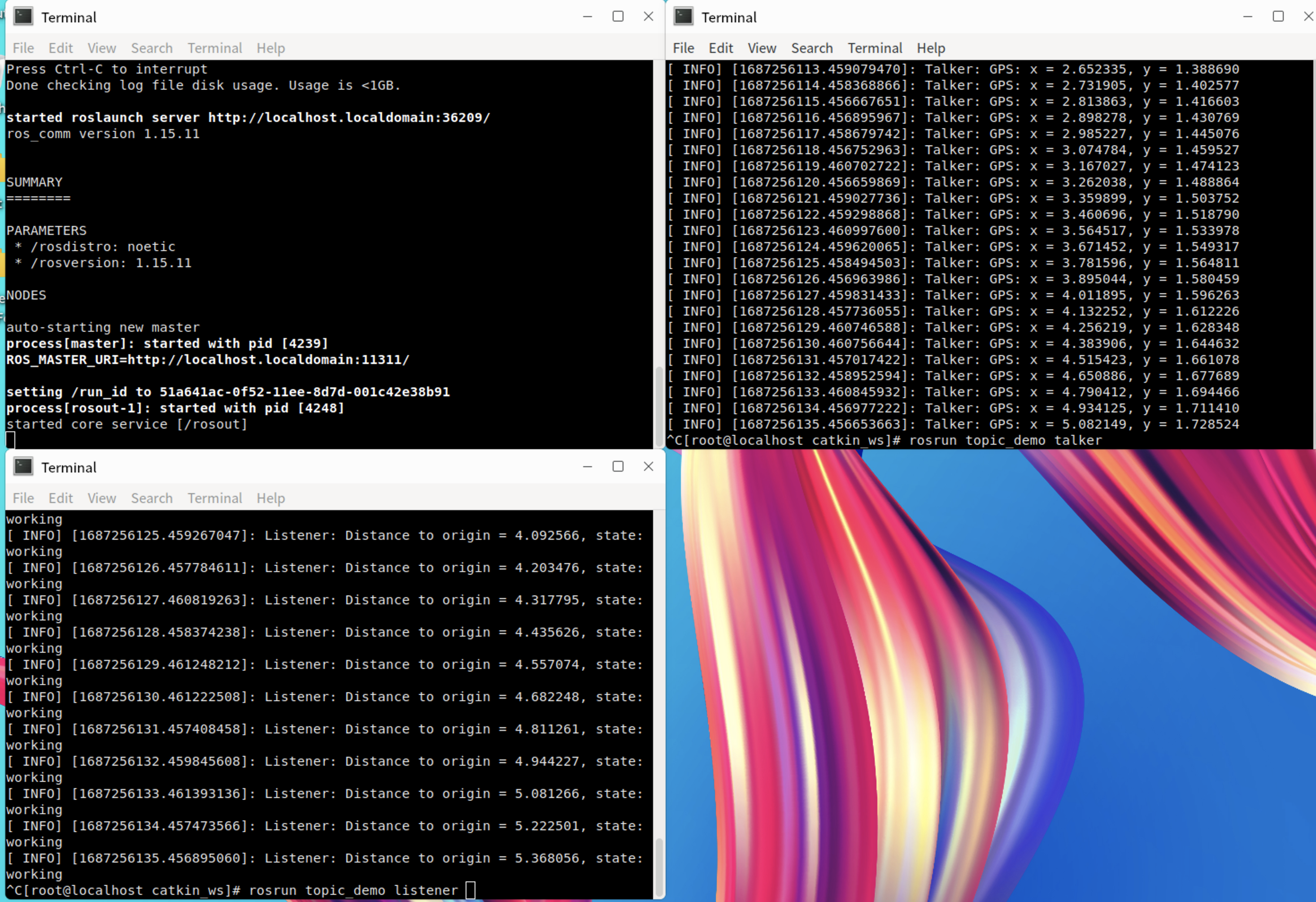
版权所有 © 2026 openEuler 保留一切权利
京ICP备2020036654号-1
京公网安备 11030102011597 号
Bug