gala-ragdoll Usage Guide
Installation
Manual Installation
Installing using the repo source mounted by Yum.
Configure the Yum sources openEuler23.09 and openEuler23.09:Epol in the /etc/yum.repos.d/openEuler.repo file.
ini[everything] # openEuler 23.09 officially released repository name=openEuler23.09 baseurl=https://repo.openeuler.org/openEuler-23.09/everything/$basearch/ enabled=1 gpgcheck=1 gpgkey=https://repo.openeuler.org/openEuler-23.09/everything/$basearch/RPM-GPG-KEY-openEuler [Epol] # openEuler 23.09:Epol officially released repository name=Epol baseurl=https://repo.openeuler.org/openEuler-23.09/EPOL/main/$basearch/ enabled=1 gpgcheck=1 gpgkey=https://repo.openeuler.org/openEuler-23.09/OS/$basearch/RPM-GPG-KEY-openEulerRun the following commands to download and install gala-ragdoll and its dependencies.
shellyum install gala-ragdoll # A-Ops configuration source tracing service yum install python3-gala-ragdollInstalling using the RPM packages. Download gala-ragdoll-vx.x.x-x.oe1.aarch64.rpm, and then run the following commands to install the modules. (
x.x-xindicates the version. Replace it with the actual version number.)shellrpm -ivh gala-ragdoll-vx.x.x-x.oe1.aarch64.rpm
Installing Using the A-Ops Deployment Service
Editing the Task List
Modify the deployment task list and enable the steps for gala_ragdoll:
---
step_list:
 ...
 gala_ragdoll:
   enable: false
   continue: false
 ...
Editing the Host List
For details about the procedure, see the gala-ragdoll module host configuration in other chapters.
Editing the Variable List
For details about the procedure, see the gala-ragdoll module variable configuration in other chapters.
Executing the Deployment Task
For details about the procedure, see Executing the Deployment Task in other chapters.
Configuration File Description
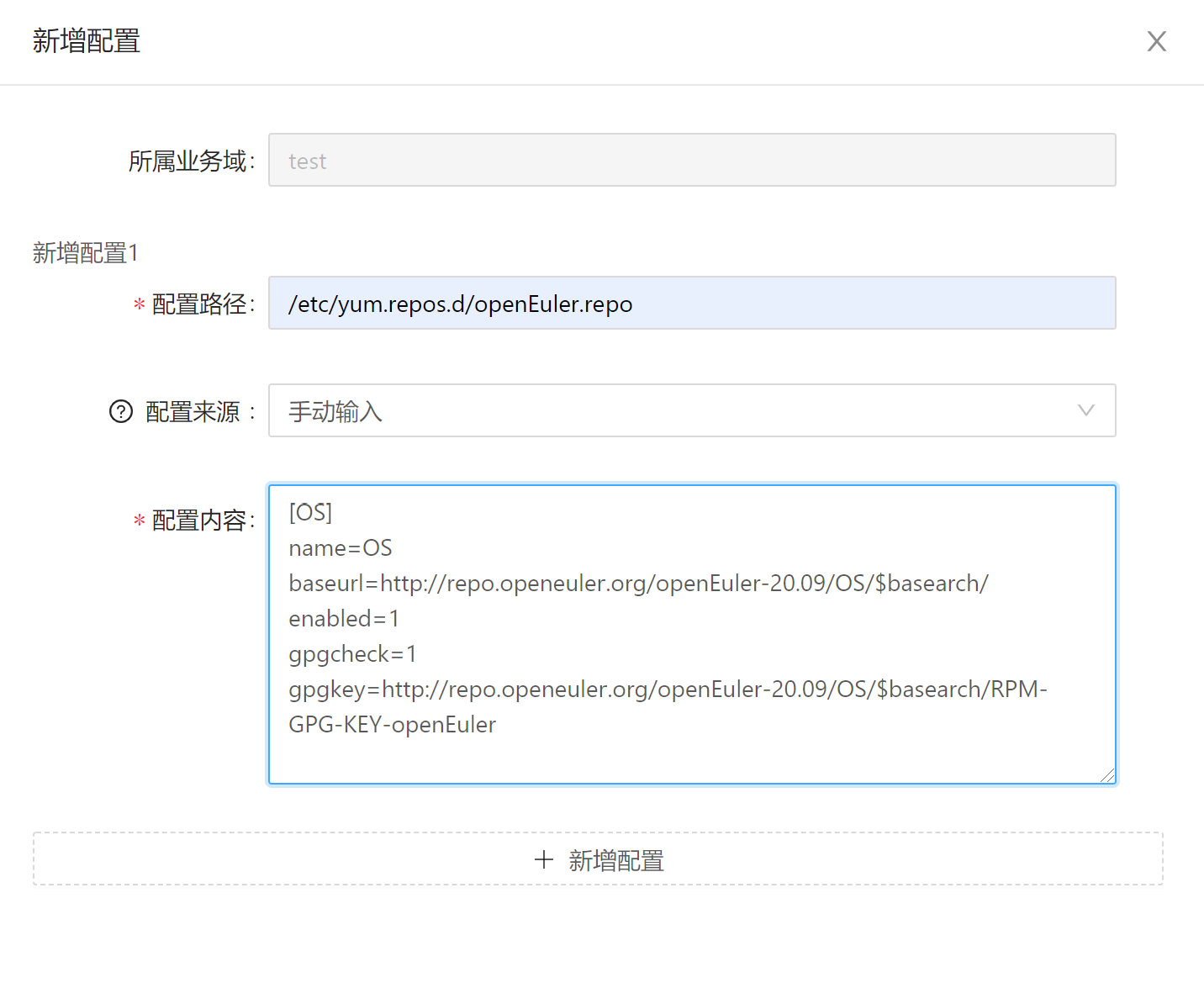
/etc/yum.repos.d/openEuler.repo is the configuration file used to specify the Yum source address. The content of the configuration file is as follows:
[OS]
name=OS
baseurl=http://repo.openeuler.org/openEuler-23.09/OS/$basearch/
enabled=1
gpgcheck=1
gpgkey=http://repo.openeuler.org/openEuler-23.09/OS/$basearch/RPM-GPG-KEY-openEuler
YANG Model Description
/etc/yum.repos.d/openEuler.repo is expressed using the YANG language. For details, see gala-ragdoll/yang_modules/openEuler-logos-openEuler.repo.yang. The following extended fields are added:
| Extended Field Name | Extended Field Format | Example |
|---|---|---|
| path | OS type: path of the configuration file | openEuler:/etc/yum.repos.d/openEuler.repo |
| type | Configuration file type | ini, key-value, json, text, and more |
| spacer | Spacer between a configuration item and its value | " ", "=", ":", and more |
Attachment: Learning the YANG language: https://datatracker.ietf.org/doc/html/rfc7950/.
Creating Domains using Configuration Source Tracing
Viewing the Configuration File
gala-ragdoll contains the configuration file of the configuration source tracing.
[root@openeuler-development-1-1drnd ~]# cat /etc/ragdoll/gala-ragdoll.conf
[git] // Defines the current Git information, including the directory and user information of the Git repository.
git_dir = "/home/confTraceTestConf"
user_name = "user"
user_email = "email"

[collect] // The collect interface provided by A-Ops.
collect_address = "http://192.168.0.0:11111"
collect_api = "/manage/config/collect"

[ragdoll]
port = 11114
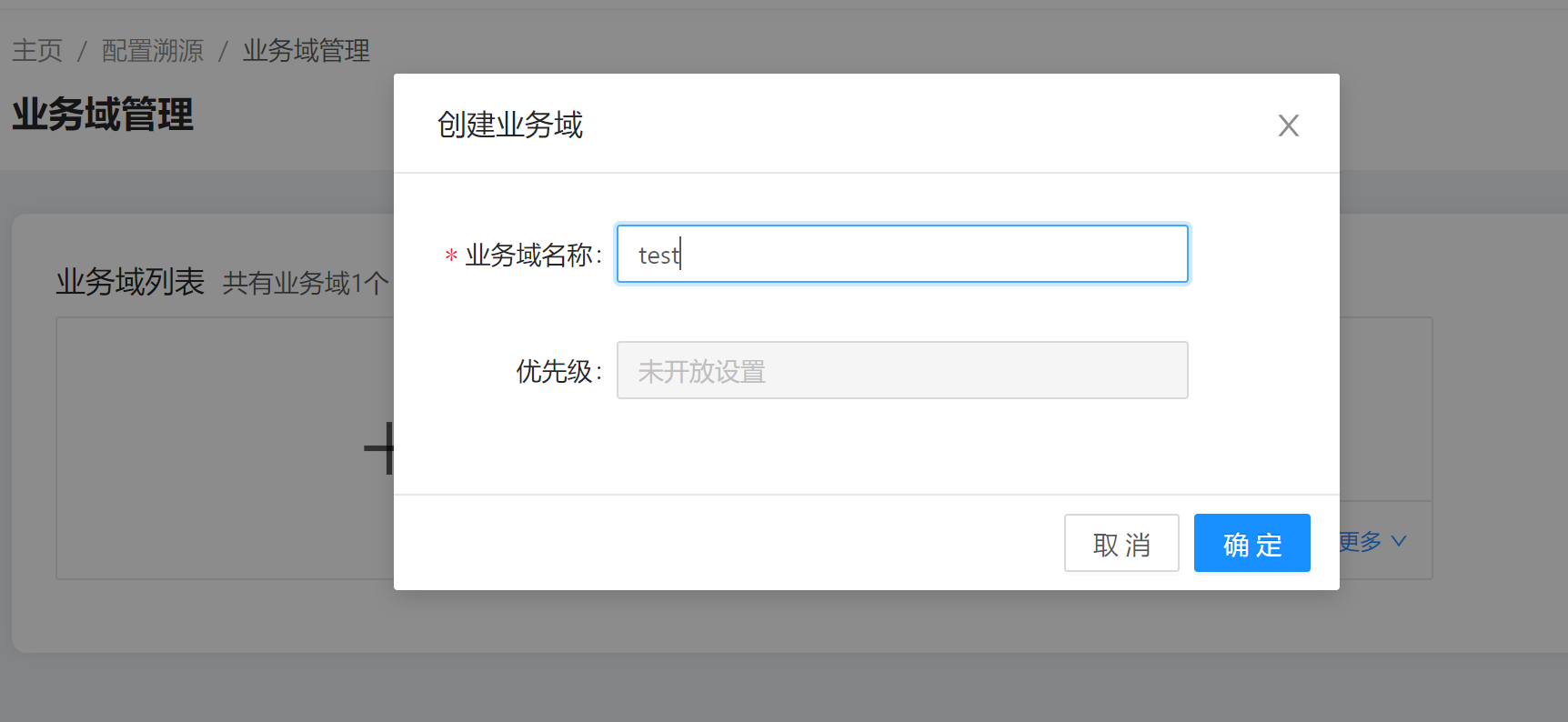
Creating the Configuration Domain
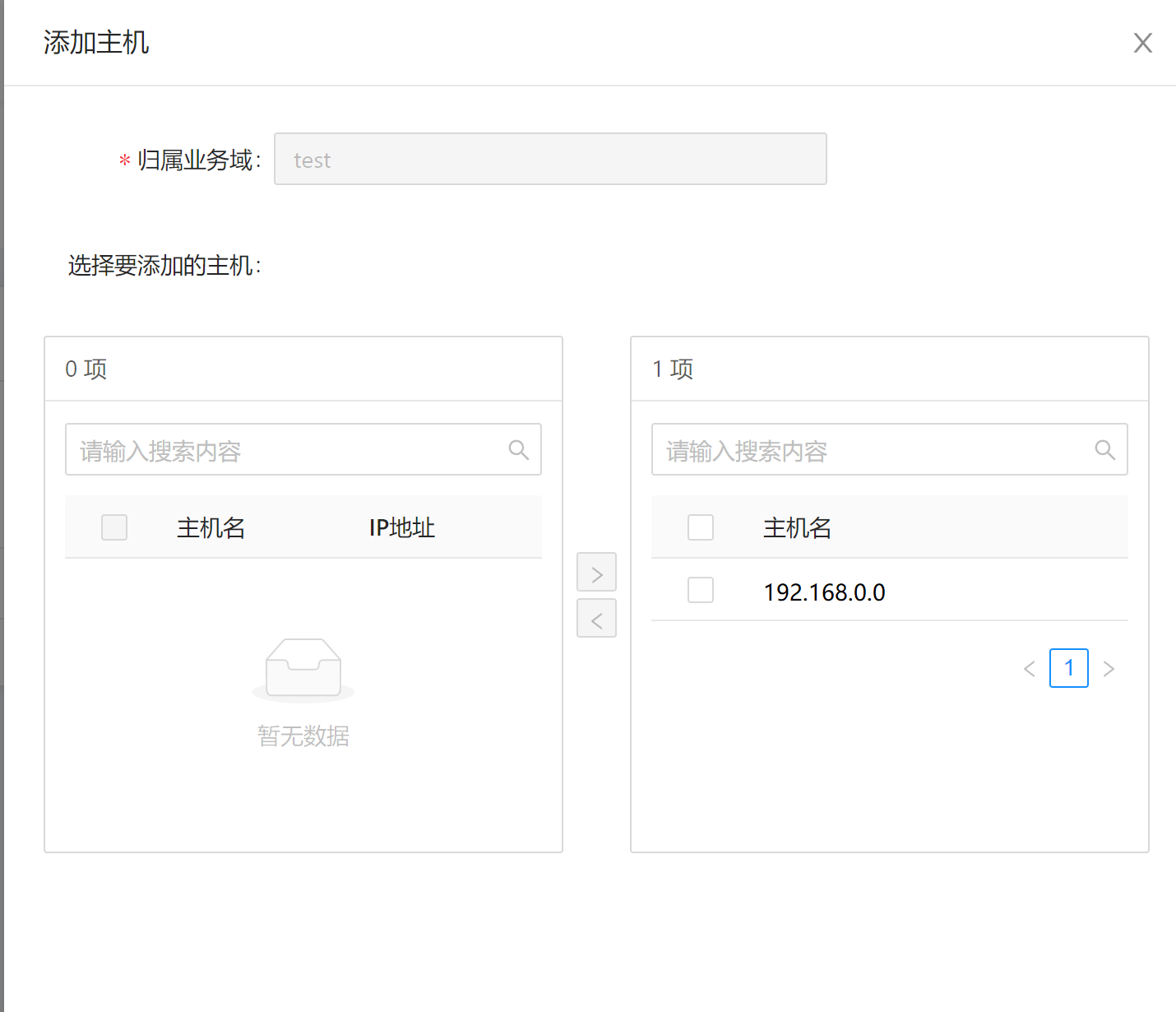
Adding Managed Nodes to the Configuration Domain
Adding Configurations to the Configuration Domain
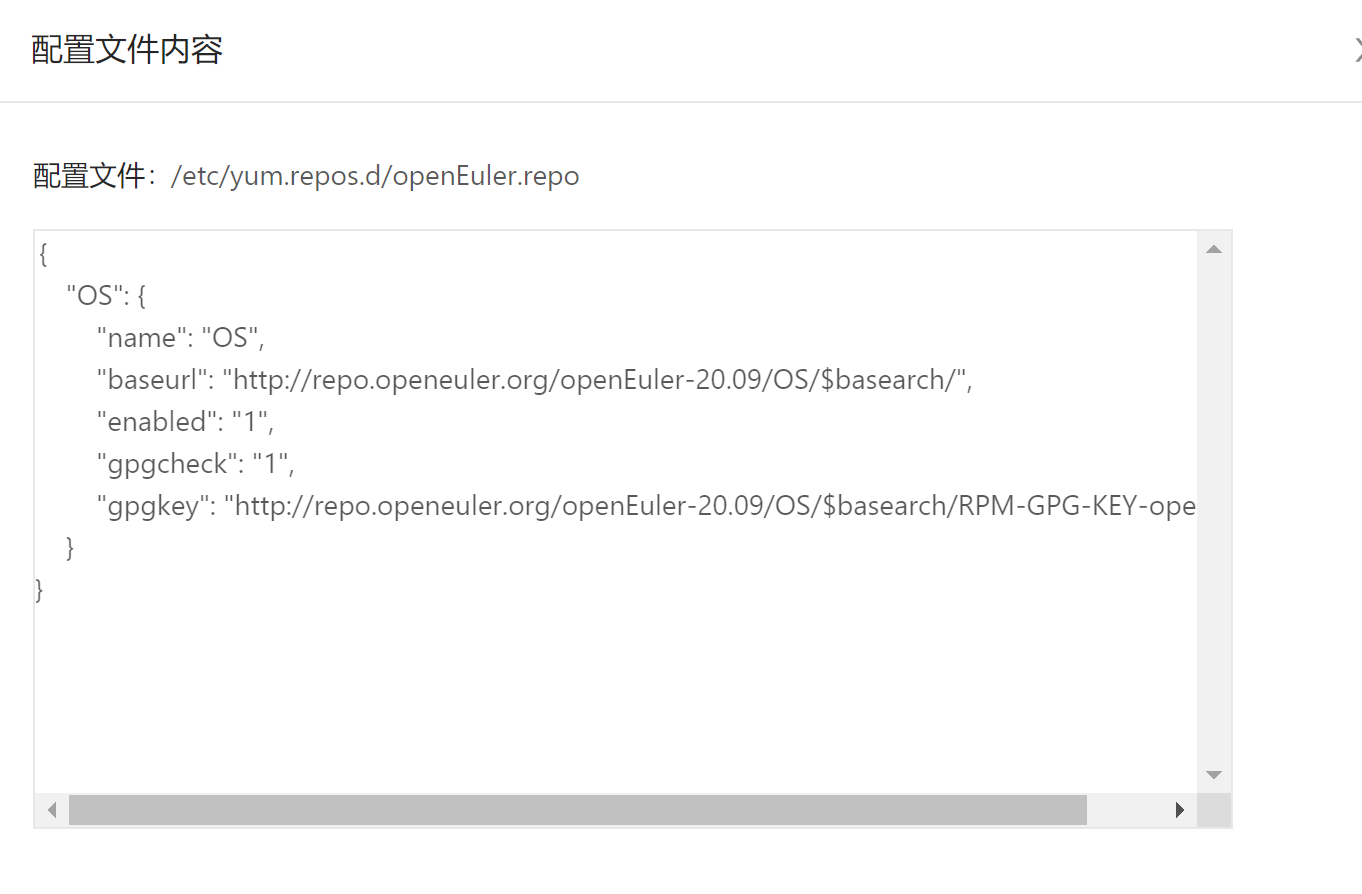
Querying the Expected Configuration
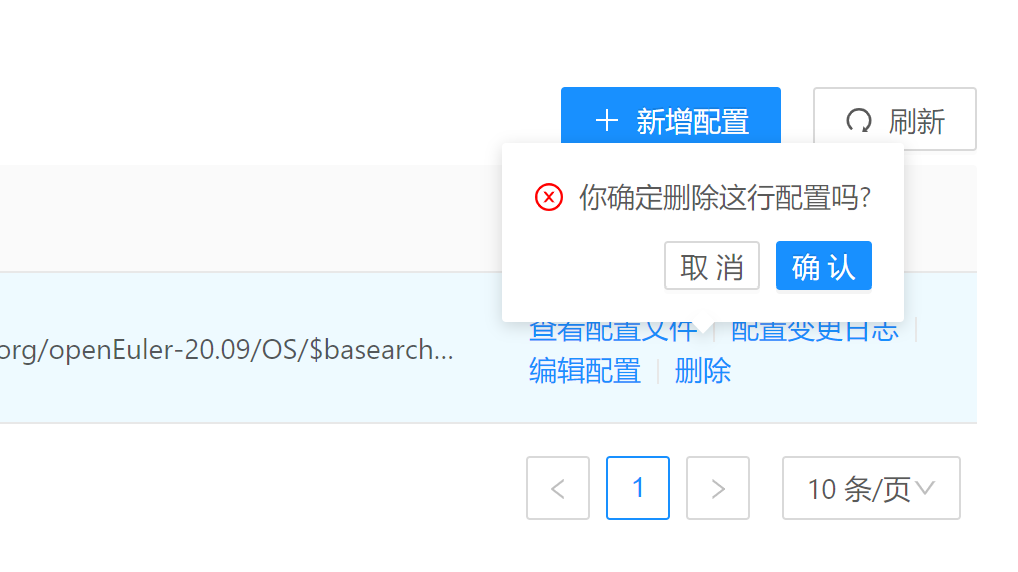
Deleting Configurations
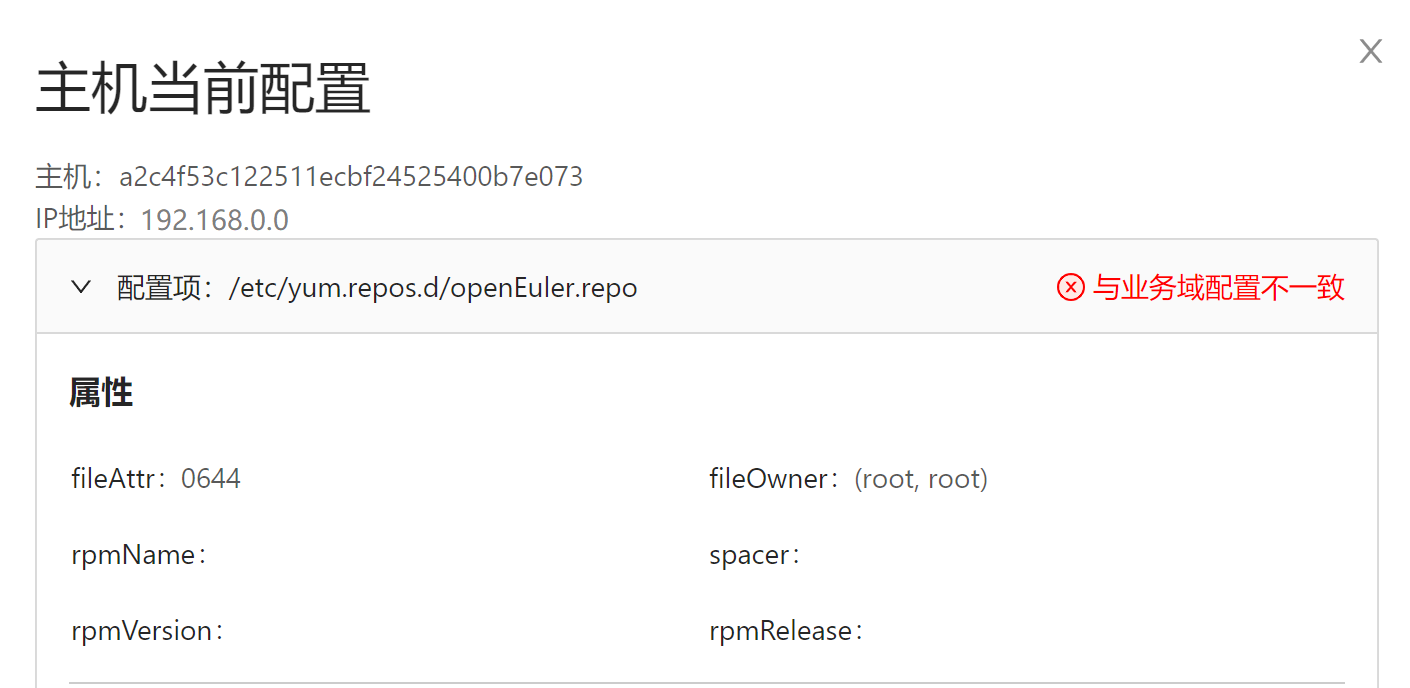
Querying the Actual Configuration
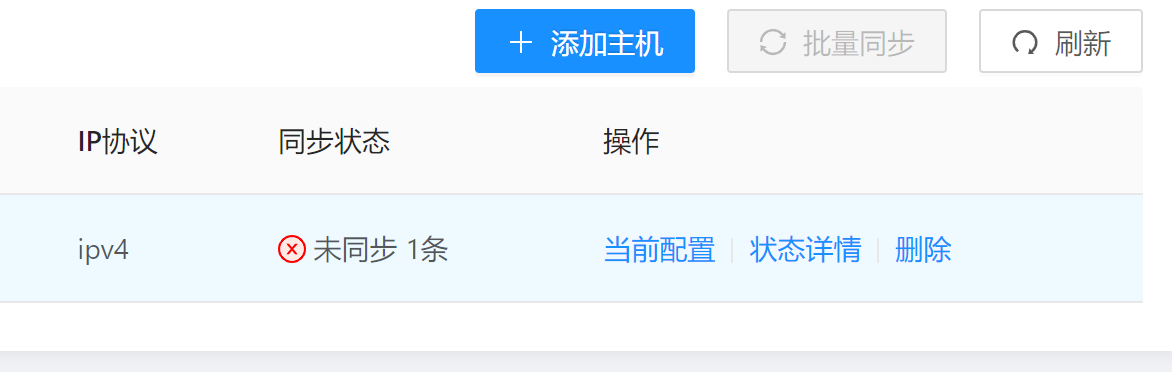
Verifying the Configuration
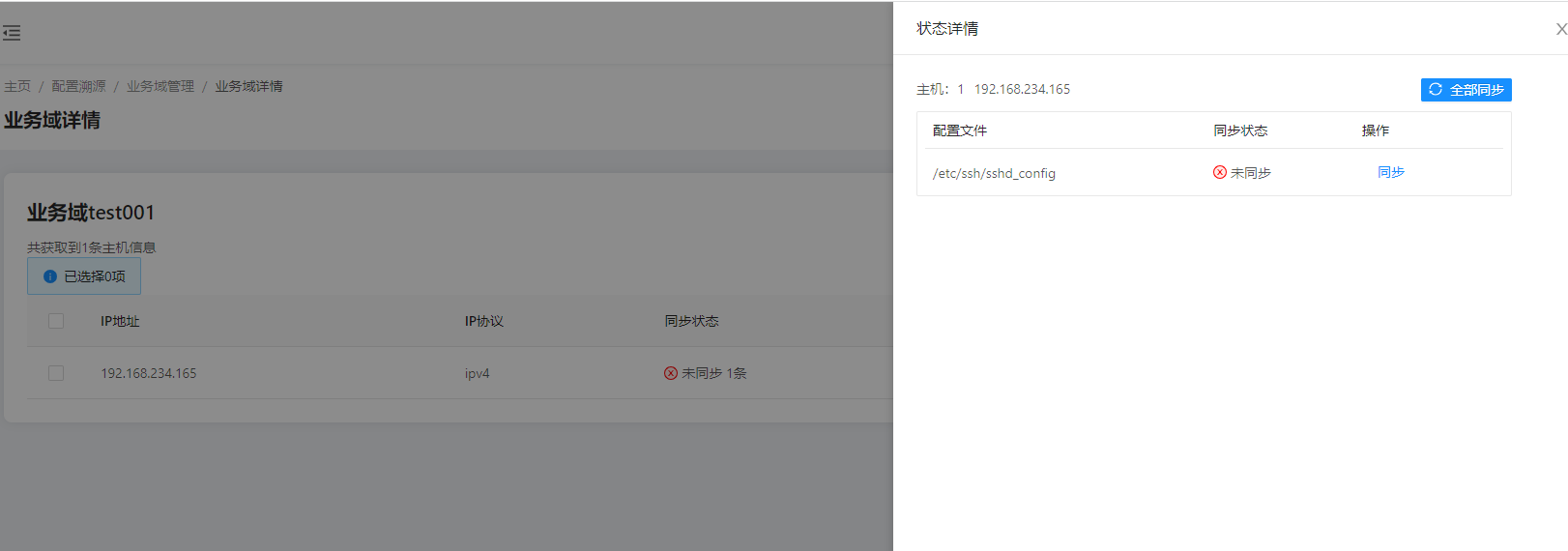
Configuration Synchronization
Configuration File Tracing
Enabling the Monitoring Switch
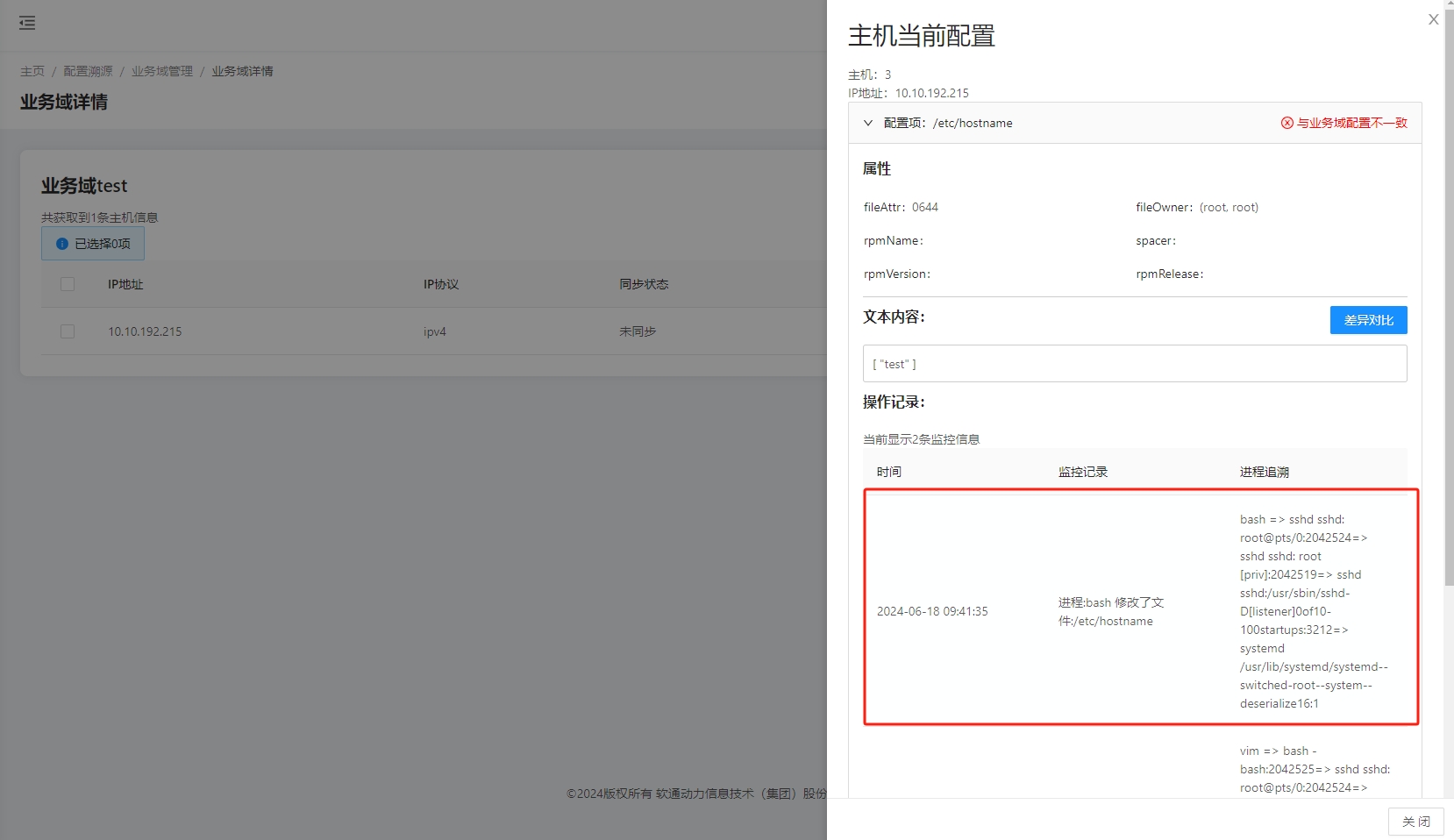
Tracing Configuration File Modification Records
Licensed under the MulanPSL2
 J.G.W.A.B. No. 11030102011597